

Speed up WordPress website step by step
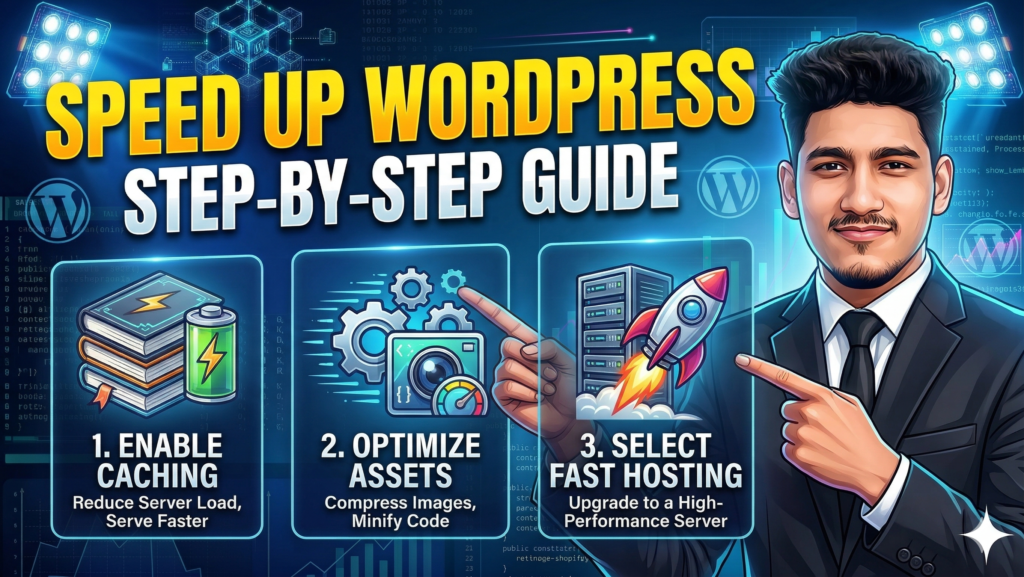
There is nothing quite as frustrating as a website that takes ages to load. We live in an era where everyone is in a hurry. If your site doesn’t pop up instantly, your potential customers are going to click away and visit your competitor instead. If you have been struggling with a sluggish dashboard or slow page loads, it is time to take action.
In this post, I am going to show you exactly how to speed up WordPress website step by step. No fluff, no complicated coding—just practical things you can do today to make your site fly.
Why Speed is Everything in 2026
Google has made it very clear: speed is a ranking factor. If your site is slow, your SEO will suffer. But it is not just about the search engines. It is about the person sitting on the other side of the screen. A fast website feels reliable. It makes people want to stay and read what you have to say. When you speed up WordPress website step by step, you are basically telling your visitors that you value their time.
Step 1: Get Rid of the “Bargain” Hosting
I know it’s tempting to go for the cheapest hosting you can find, but it’s often the biggest thing holding you back. If your server is slow, no amount of optimization will save you.
To really speed up WordPress website step by step, you need a host that is optimized for WordPress. Look for providers that offer SSD storage, PHP 8.x support, and servers located close to your target audience. If you are serious about your blog, investing an extra few dollars a month in quality hosting is the best move you can make.
Step 2: Optimize Your Images the Right Way
Images usually take up the most space on a webpage. If you are uploading raw photos, you are killing your speed.
- Resize before you upload: Don’t upload a 4000px wide image if your blog width is only 800px.
- Compress: Use a plugin like ShortPixel or EWWW Optimizer.
- Use WebP: This is the new standard. It keeps your photos looking crisp while cutting the file size by nearly half.
Step 3: Install a Solid Caching Plugin
Think of caching as a shortcut. Instead of your server generating your page from scratch every time someone visits, it shows them a pre-made “static” version. This drastically reduces the load on your server.
To speed up WordPress website step by step, I recommend using WP Rocket (paid) or LiteSpeed Cache (free). These plugins do a lot of the heavy lifting for you, from minifying your code to preloading your pages.
Step 4: Clean Your Plugin List
We all love plugins, but having too many of them is like carrying a heavy backpack while trying to run a race. Go through your list right now. If there is a plugin you haven’t used in months, delete it.
Also, watch out for “heavy” plugins. Some plugins for page building or sliders are notoriously slow. Whenever possible, use lightweight alternatives. Remember, the goal to speed up WordPress website step by step requires a lean and mean site.
Step 5: Use a Lightweight Theme
Not all themes are created equal. Some are packed with features you will never use, which only serves to slow everything down. If you want speed, go for themes like GeneratePress, Astra, or Hello Elementor. They are built with performance in mind and provide a clean slate for your design.
Step 6: Set Up a Content Delivery Network (CDN)
If your server is in New York and a visitor is in Bangladesh, the data has to travel a long way. A CDN like Cloudflare stores copies of your site on servers all over the world. This way, your visitor gets the data from the server closest to them. Setting up a CDN is a vital part of the process to speed up WordPress website step by step.
Summary of the Process
Speeding up your site doesn’t happen by accident. It takes a few intentional steps:
- Pick a fast host.
- Shrink your images.
- Use a caching plugin.
- Delete useless plugins.
- Use a CDN.
By the time you finish these steps, you will see a massive difference in your PageSpeed Insights score. More importantly, your visitors will have a much better experience. Don’t wait until you lose more traffic—start working to speed up WordPress website step by step today!