

Is Your Site a Target? 7 Vital Website Security Tips for Small Business (2026)
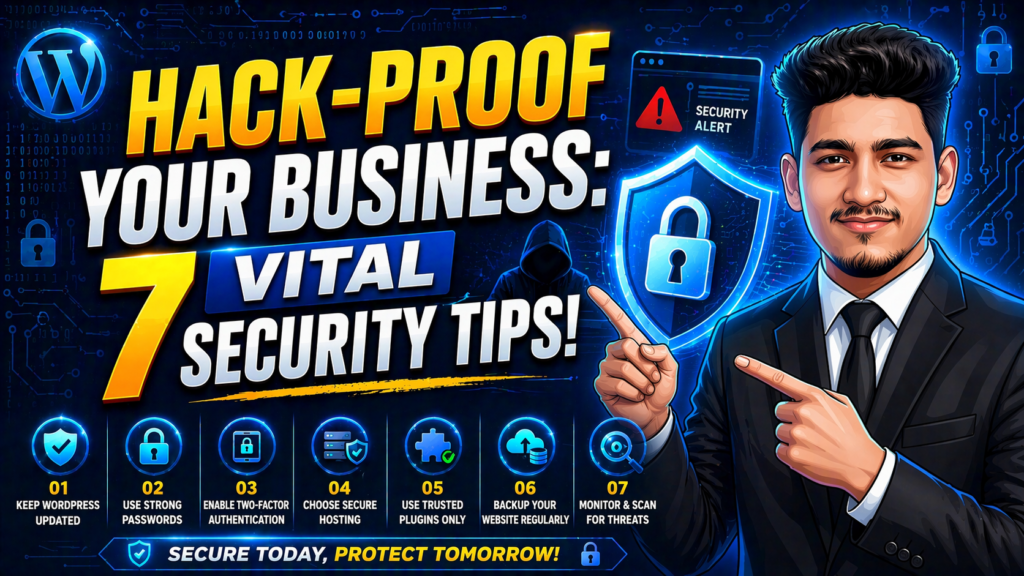
Many small business owners make the same mistake: they think they are “too small” to be hacked. They believe that hackers only go after giant corporations like Amazon or Google. Unfortunately, this is a dangerous myth. In fact, nearly 43% of all cyberattacks target small businesses. Why? Because hackers know that smaller sites often have weaker defenses.
If your website is hacked, you don’t just lose data—you lose the trust of your customers. In this guide, we are going to look at practical website security tips for small business that you can implement right now to build a digital fortress around your brand.
The Risk is Real: Why Security Matters
When a hack happens, your site might start showing weird ads, or worse, your customers’ credit card information could be stolen. Fixing a hacked website is much more expensive than protecting it in the first place. By following these website security tips for small business, you are not just “fixing code”—you are protecting your livelihood and your reputation.
Security Cheat Sheet: Threats vs. Solutions
Here is a quick breakdown of what you are up against and how to fight back:
| The Security Threat | Why it’s Dangerous | The Protective Fix |
| Brute Force Attack | Hackers guess your password. | Use Strong Passwords & 2FA. |
| Malware Injection | Viruses steal your data. | Use a Security Plugin (Wordfence). |
| Data Sniffing | Information is stolen in transit. | Install a Free SSL Certificate. |
| Outdated Software | Old code has “holes” in it. | Update WordPress & Plugins weekly. |
| Zero Backups | You lose everything forever. | Setup Daily Cloud Backups. |
1. Get an SSL Certificate (HTTPS)
This is the most basic of all website security tips for small business. Have you ever noticed the little padlock icon in your browser’s address bar? That means the site has an SSL certificate. It encrypts the data moving between your visitor and your server. Without it, Google will mark your site as “Not Secure,” which scares away customers instantly. Most good hosts, like Hostinger, provide this for free.
2. Enforce Strong Passwords and 2FA
Using “Admin123” as your password is like leaving your front door wide open with a sign that says “Please Rob Me.” Use a password manager to create complex, random strings of characters.
Even more importantly, enable Two-Factor Authentication (2FA). This means even if a hacker steals your password, they still can’t get in without a code from your phone. This is one of the most effective website security tips for small business that costs absolutely nothing to set up.
3. Keep Everything Updated
WordPress, your themes, and your plugins are constantly evolving. Developers release updates not just for new features, but to “patch” security holes that hackers have discovered. If you see a notification in your dashboard, don’t ignore it. Staying updated is a vital part of your website security tips for small business routine.
4. Choose a Secure Hosting Provider
Not all hosting is created equal. Some cheap providers put thousands of sites on one server with very little separation. If one site gets hacked, yours might too. To truly follow these website security tips for small business, you need a host that offers server-level firewalls and malware scanning.
Pro Tip: If you want a host that takes security seriously without charging a fortune, I highly recommend checking out Hostinger. They include automated backups and a malware scanner in almost all their plans.
5. Limit Login Attempts
By default, WordPress allows anyone to try and log in as many times as they want. Hackers use “bots” to try thousands of password combinations every minute. To website security tips for small business, you should install a plugin that locks out an IP address after 3 or 5 failed attempts. This simple move stops most automated attacks dead in their tracks.
6. Set Up Regular Backups
Imagine waking up and finding your entire website has been deleted. It’s a nightmare. But if you have a backup from yesterday, it’s only a 5-minute fix. Never rely solely on your host for backups. Use a plugin like UpdraftPlus to send a copy of your site to Google Drive or Dropbox every day. This is the ultimate “safety net” among all website security tips for small business.
7. Use a Web Application Firewall (WAF)
A WAF is like a digital security guard that stands in front of your website. It looks at every visitor and blocks anyone who looks like a hacker or a malicious bot. Services like Cloudflare or the Wordfence plugin offer free versions that provide massive protection.
Conclusion: Don’t Wait Until It’s Too Late
Website security is not a “set it and forget it” task. It is a habit. By spending just 30 minutes a week checking for updates and reviewing your logs, you can stay ahead of the hackers.
Implement these website security tips for small business today, and give yourself the peace of mind to focus on what you do best—growing your business. Your customers (and your bank account) will thank you.