

Stop Losing Customers! 7 Fatal Website Design Mistakes Killing Your Business.
You work hard to drive traffic to your site. You spend money on ads, hours on social media, and energy on SEO. But what happens when people finally arrive? If your layout is messy or confusing, they leave in seconds. Most owners don’t realize that there are specific website design mistakes killing your business right now.
Your website is your 24/7 salesman. If that salesman is rude, messy, or slow, you lose money. In this guide, we are going to look at the most common design blunders and, more importantly, how you can fix them to boost your profits.
The Real Cost of Bad Design
Design is not just about looking “pretty.” It is about communication. When a user lands on your page, they are looking for a solution. If they can’t find it because of poor layout choices, they feel frustrated. This frustration leads to a high bounce rate, which tells Google that your site isn’t helpful. This is exactly how website design mistakes killing your business start to hurt your search engine rankings too.
Quick Fix Guide: Mistakes vs. Solutions
Before we dive into the details, here is a quick overview of what to look for:
| The Fatal Mistake | Why it Hurts You | The Proven Fix |
| No Clear CTA | Visitors don’t know what to do next. | Add a bold “Buy Now” or “Contact Us” button. |
| Slow Loading Speed | People leave before the page opens. | Optimize images and use a fast host. |
| Bad Mobile View | 60% of users can’t use your site. | Use a fully responsive, mobile-first design. |
| Cluttered Layout | It looks unprofessional and confusing. | Use plenty of white space and simple fonts. |
| Hidden Contact Info | Customers can’t trust you. | Put your phone/email in the header or footer. |
1. A Lack of Clear Call-to-Action (CTA)
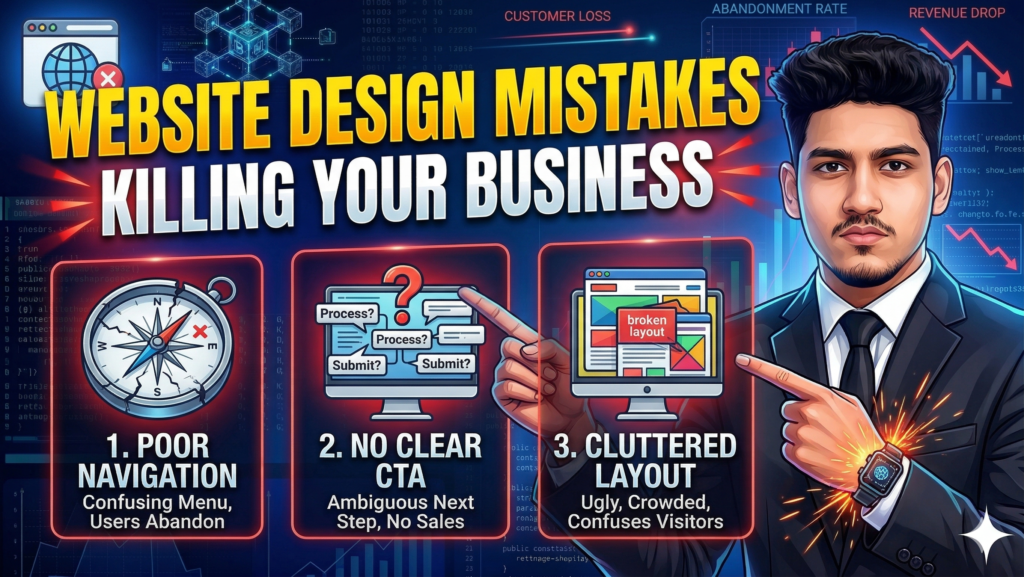
One of the biggest website design mistakes killing your business is being too shy. If a visitor has to hunt for a way to hire you or buy your product, they won’t do it. Your CTA buttons should stand out. Use a color that contrasts with the rest of your page. Instead of saying “Submit,” try something more active like “Get My Free Quote.”
2. Ignoring the Mobile Experience
Most people browse the web on their phones while sitting on the couch or waiting for coffee. If your site looks great on a laptop but looks like a broken puzzle on a smartphone, you are in trouble. Google now uses mobile-first indexing. This means if your mobile design is bad, your desktop version won’t rank either. This is a classic example of website design mistakes killing your business in the shadows.
3. Too Much Noise, Not Enough White Space
Sometimes, business owners want to put every single piece of information on the homepage. This is a mistake. When you overwhelm a visitor with too many images, pop-ups, and blocks of text, their brain shuts down.
Professional design needs “room to breathe.” White space (the empty space between elements) helps guide the user’s eyes to what actually matters—your product and your value. Avoiding clutter is the easiest way to stop website design mistakes killing your business.
4. Using Hard-to-Read Fonts
You might love a fancy, curly script font, but if your customers can’t read it, it is useless. Readability is the backbone of user experience. Stick to clean, modern fonts like Montserrat, Lato, or Open Sans. Also, make sure there is enough contrast between your text and the background. Light grey text on a white background is a nightmare for accessibility.
5. Slow Performance and Heavy Elements
We talked about speed before, but it bears repeating. High-resolution videos that autoplay or massive uncompressed images are website design mistakes killing your business by slowing everything down. Every second of delay reduces your conversion rate by about 7%. If your site takes 5 seconds to load, you’ve already lost half your audience.
6. Confusing Navigation
Your menu should be simple. If you have 15 items in your top navigation bar, people will get “choice paralysis.” Keep your main menu limited to 5-7 essential items. Use a “Mega Menu” only if you have a huge e-commerce store. For everyone else, simplicity is the key to keeping users engaged.
7. No Social Proof or Trust Signals
Why should a stranger trust you? If your site doesn’t show testimonials, reviews, or partner logos, it looks suspicious. People buy from people. Showing that other customers are happy with your work is the best way to counter the website design mistakes killing your business.
How to Audit Your Site Today
You don’t need a professional auditor to find these errors. Open your website on your phone and try to buy something. Was it easy? Did it load fast? Was the “Buy” button easy to find? If you struggled, your customers are struggling too.
Fixing these website design mistakes killing your business is the fastest way to see a jump in your sales without spending more on marketing. Start with the “big wins”—fix your mobile layout and your CTA buttons first.