

Invisible Online? 7 Reasons Why Google Is Not Indexing Your Website (2026)
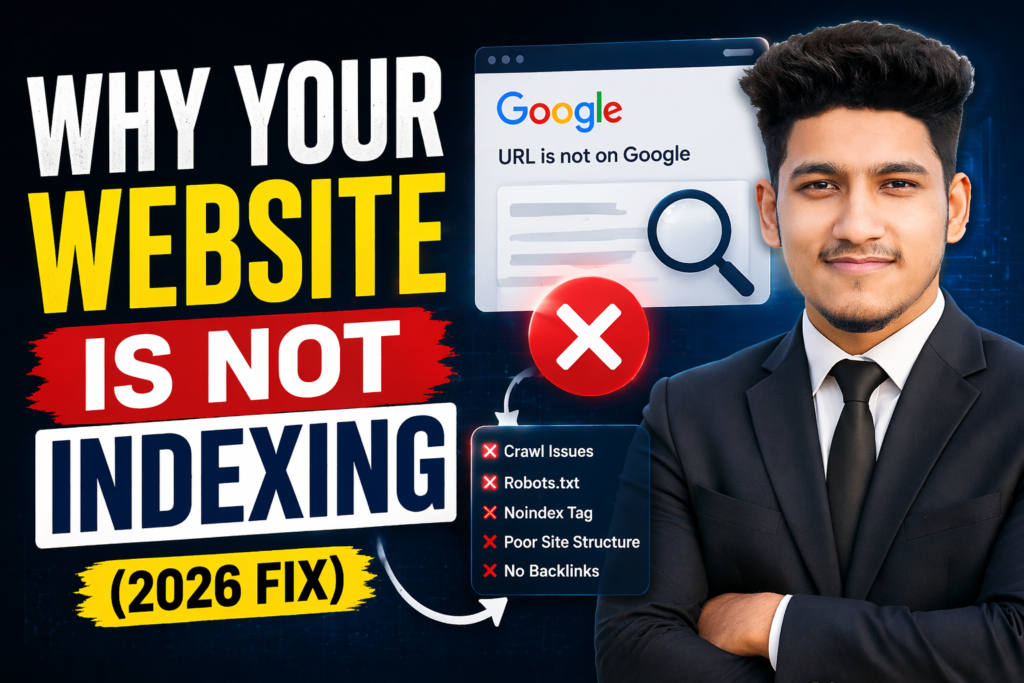
You spent weeks building your site, designing every page, and perfecting your content. You hit “Publish” and wait for the traffic to come in. But days, maybe even weeks, go by and you still can’t find your site anywhere on Google. It’s not just on page ten—it’s not in the results at all. It feels like your hard work has vanished into a digital black hole.
If you are staring at a blank search result, you are likely asking: why Google is not indexing your website? Don’t worry, you haven’t been banned from the internet. Most of the time, the problem is a small technical error or a missing step in your setup. In 2026, Google has become even more selective about what it indexes. Let’s look at the real reasons you are invisible and how to fix it fast.
The Indexing Audit: Why You Are Invisible vs. The Fix
Before we dive into the details, here is a quick overview of the fatal mistakes that stop Google’s bots from finding you.
| The Problem | Why It’s a Disaster | The Proven Fix |
| Search Engine Visibility Check | You literally told Google to go away. | Uncheck the box in WordPress settings. |
| No XML Sitemap | Google doesn’t have a map to find you. | Generate and submit a sitemap. |
| “NoIndex” Tags | Specific code is blocking the bots. | Remove the “NoIndex” tag from your header. |
| New Website (Sandbox) | Google is still testing your trust. | Be patient and keep posting content. |
| Terrible Load Speed | Google bots give up on slow sites. | Upgrade to Hostinger (LiteSpeed). |
1. You Have “Discouraged” Search Engines
This is the most common reason why Google is not indexing your website, especially for WordPress users. There is a tiny setting in your dashboard that says “Discourage search engines from indexing this site.” Often, developers check this while building the site and forget to turn it off when they launch.
The Fix: Go to Settings > Reading in your WordPress dashboard. Make sure that box is unchecked. Save the changes and Google will start looking for you again.
2. You Haven’t Submitted a Sitemap
Think of Google like a traveler in a new city. If there is no map, they might get lost or miss your house entirely. If you aren’t using Google Search Console to submit an XML sitemap, that is a huge reason why Google is not indexing your website. A sitemap tells Google exactly which pages you have and when you last updated them.
3. Your Technical SEO has “NoIndex” Errors
Sometimes, a plugin or a theme setting accidentally adds a “NoIndex” tag to your code. This is a secret command that tells Google, “Hey, I exist, but don’t show me in search results.” If you have this tag on your homepage, you will never be found. This is a primary factor in why Google is not indexing your website.
4. Your Website is Just Too Slow
In 2026, Google doesn’t waste its time on slow, laggy servers. If your site takes 10 seconds to respond, Google’s “crawlers” will literally give up and leave. A slow server response time (TTFB) is a hidden reason why Google is not indexing your website.
The Fix: You need a high-performance host that prioritizes speed. I personally recommend Hostinger. Their LiteSpeed technology ensures that when Google’s bots visit, they can read your pages instantly.
5. Low-Quality or AI-Spam Content
Google’s AI has become incredibly smart at spotting “low-value” content. If you are just pumping out generic, AI-generated text without adding any human value, Google might decide that your site isn’t worth indexing. Thin content is a major reason why Google is not indexing your website in 2026.
6. You are Targeting the Wrong Keywords
If you aren’t using proper keywords, Google doesn’t know what category to put you in. If your site is about “Web Design” but you don’t use those terms properly, Google might ignore you.
If you want to see how I optimize my own projects and get some design inspiration, feel free to follow me on Instagram @the_sahebali.
7. Your Site Lacks “Crawlability”
If your website structure is a mess—broken links everywhere, no internal linking, or a confusing menu—Google’s bots will get “stuck.” If the bot can’t move from page A to page B, it will stop indexing your site. This lack of structure is exactly why Google is not indexing your website.
Let’s Get Your Site on the First Page
Being invisible is a nightmare for any business. But most indexing problems are just “technical hiccups” that can be fixed in a few minutes. Start by checking your WordPress settings and submitting your sitemap.
If you are tired of being invisible and want a professional to audit your site or build a Google-optimized WordPress blog for you, I am here to help.
Stop guessing! If you want to know exactly why Google is not indexing your website, reach out to me on WhatsApp at +880 1782-370787. Let’s get you the visibility you deserve!
Conclusion
Indexing is the first step to ranking. If Google can’t find you, your customers can’t either. Take an hour today to fix your settings, check your speed, and keep writing helpful content. Once you solve the mystery of why Google is not indexing your website, the traffic will finally start to flow.