

Why your Website Is Slow and How to Speed It Up (Proven Fixes)
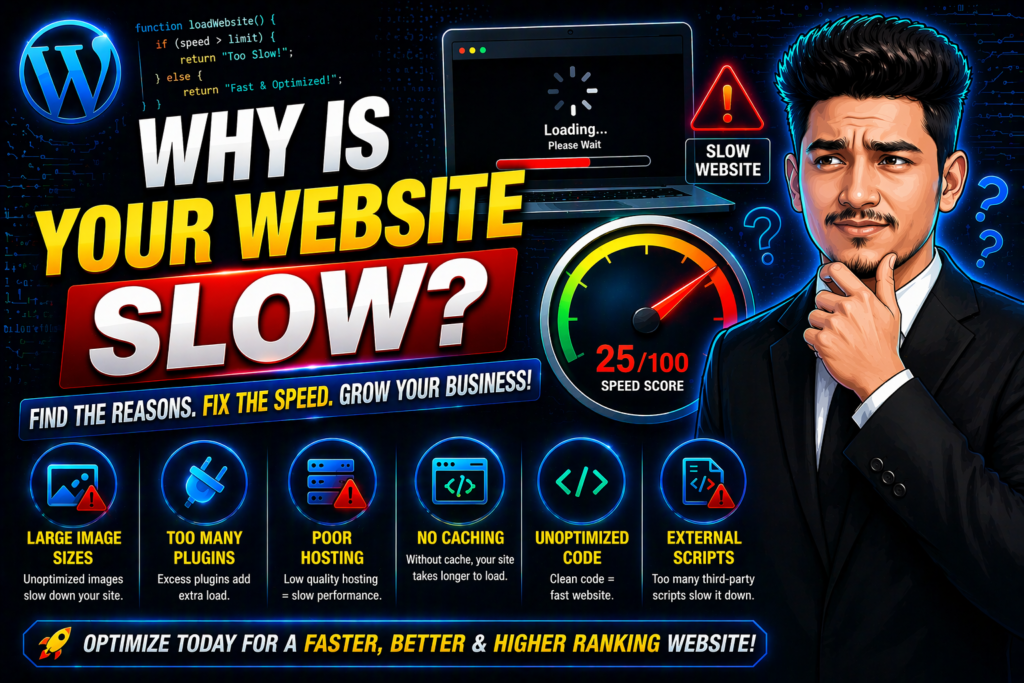
Imagine you are at a restaurant. You sit down, you’re hungry, but the waiter doesn’t even bring you a menu for ten minutes. You would probably just get up and walk out, right? That is exactly how your visitors feel when your page takes forever to load. In today’s fast-moving world, a one-second delay can be the difference between a sale and a lost customer.
If you are constantly staring at a loading spinner, you are likely asking yourself: Why your Website Is Slow? It is a frustrating problem, but the good news is that it is usually caused by a few common, fixable mistakes. Let’s stop the guessing game and look at what is actually dragging your site down.
The Speed Test: What’s Killing Your Performance?
Before we get into the fixes, let’s look at the “Fatal Four” reasons that cause most speed issues.
| The Speed Killer | The Fatal Impact | The Proven Fix |
| Giant Images | Massive files take forever to download. | Compress to WebP format. |
| Cheap Hosting | Your server is overloaded and weak. | Switch to Hostinger (LiteSpeed). |
| Plugin Bloat | Too many scripts running at once. | Delete unused plugins immediately. |
| No Caching | The server builds every page from scratch. | Install a caching plugin like WP Rocket. |
1. Your Images are Secretly Huge
This is almost always the #1 reason when people ask, “Why is your website slow?” You take a beautiful high-res photo, upload it to WordPress, and don’t think twice. But that 5MB image is a nightmare for a mobile user on a 4G connection.
The Fix: You need to resize your images before you upload them. Use a tool like TinyPNG or a plugin like Imagify. Better yet, use the WebP format. It keeps the quality sharp but makes the file size tiny.
2. Your Hosting is Not Up to the Task
You get what you pay for. If you are on a “bargain” shared hosting plan that costs $1 a month, you are sharing a server with thousands of other sites. If one of them gets a traffic spike, your site pays the price.
The Fix: If you want a fast site, you need a host that uses LiteSpeed technology. I personally recommend Hostinger. It’s affordable but incredibly fast. You can get a great deal and support my work by using my Hostinger Referral Link.
3. Too Much “Junk” in the Trunk (Plugins)
Every plugin you add is like adding a brick to a backpack. If you have 30+ plugins, your website is trying to run a race while carrying a mountain. Some plugins are poorly coded and run heavy scripts in the background even when they aren’t needed.
The Fix: Go through your plugin list right now. If you haven’t used it in the last month, delete it. For the ones you keep, make sure they are lightweight and updated. This is a simple way to solve the mystery of why is your website slow.
4. You Aren’t Using a Content Delivery Network (CDN)
If your server is in New York and your visitor is in London or Dhaka, the data has to travel a long way. This physical distance adds “latency.”
The Fix: Use a CDN like Cloudflare. It stores copies of your site on servers all over the world. When someone visits, they get the data from the server closest to them. It is a rapid way to fix speed issues globally.
5. Messy Code and Unoptimized Database
Over time, WordPress sites collect “trash”—old post revisions, deleted comments, and temporary data. This clutters your database and makes it sluggish.
The Fix: Use a plugin like WP-Optimize to clean your database once a week. Also, “minify” your CSS and JavaScript. This just means removing unnecessary spaces in the code so the browser can read it faster.
How to Audit Your Site Right Now
Don’t just take my word for it. Go to Google PageSpeed Insights and put in your URL. If your score is in the red or orange, you now know why is your website slow. The tool will give you a list of “Opportunities,” which are basically the exact things you need to fix.
Let’s Build Something Faster Together
As a professional web designer, I know that speed is the foundation of everything. A fast site ranks better on Google, keeps users engaged, and makes more money. If you are tired of a slow site and want a professional to build a high-performance, optimized WordPress site for you, let’s talk.
You can see my work and get some design inspiration on my Instagram @the_sahebali.
If you want a free speed audit or have questions about your WordPress site, reach out to me directly on WhatsApp: +880 1782-370787.
The Bottom Line
Stop letting a slow server kill your business. By fixing your images, cleaning your plugins, and using quality hosting, you can transform your site from a “crawling snail” into a “racing car.”
Now that you know why is your website slow, it’s time to take action. Start with the images—it’s the easiest win you can get today!